


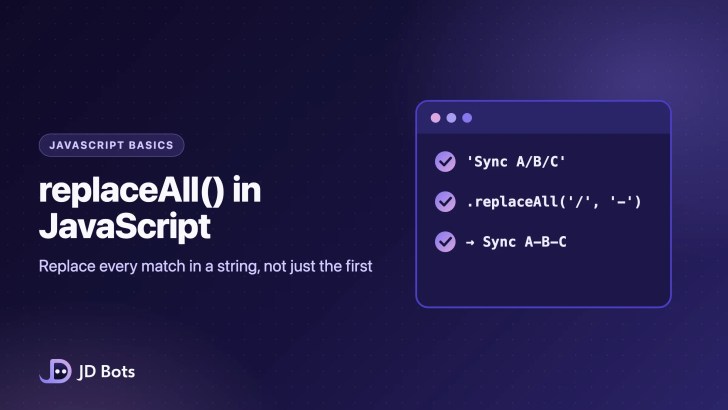
replaceAll() finds every place a piece of text appears in a string and replaces it, such as every / with -. It gives you a new string and leaves the original as it was.
Every command and output on this page is real, run with Node.js 26.13.1 on macOS.
Syntax
Syntax
text.replaceAll(pattern, replacement)
text: the string to look in.pattern: the text to find, such as'/'.replacement: the text to put in its place, such as'-'.- The result is a new string.
textitself doesn’t change.
See String.prototype.replaceAll() on MDN.
Prerequisites
- Node.js, to run the example. Install it from the Node.js download page.
The Example
A name with two slashes, changed with replaceAll() and with replace(), in a file named names.js.
Step 1: Write the Code
names.js
const name = 'Sync A/B/C';

console.log(name.replaceAll('/', '-'));
console.log(name.replace('/', '-'));
console.log(name);
Step 2: Run It
Terminal
node names.js
Output
Sync A-B-C
Sync A-B/C
Sync A/B/C
replaceAll()replaced both slashes.replace()replaced only the first one.namestill has its slashes: neither method changed it.
Common Mistakes
| Mistake | What happens | Do this instead |
|---|---|---|
Using replace() to change every match | Only the first match changes | Use replaceAll() |
Expecting name.replaceAll('/', '-') to change name | name keeps its slashes | Keep the result: const safeName = name.replaceAll('/', '-'); |
FAQ
Does replaceAll() change the original string?
No. Strings in JavaScript don’t change; replaceAll() gives back a new one, as the last line of the output shows.
Conclusion
Use replaceAll() when every match should change, and keep its result, because the original string stays as it was.
Additional Resources
- String.prototype.replaceAll() (MDN)
- String.prototype.replace() (MDN)
- Run Node.js scripts from the command line (Node.js docs)
JavaScript is a trademark of Oracle Corporation in the United States. Node.js is a trademark of the OpenJS Foundation.