


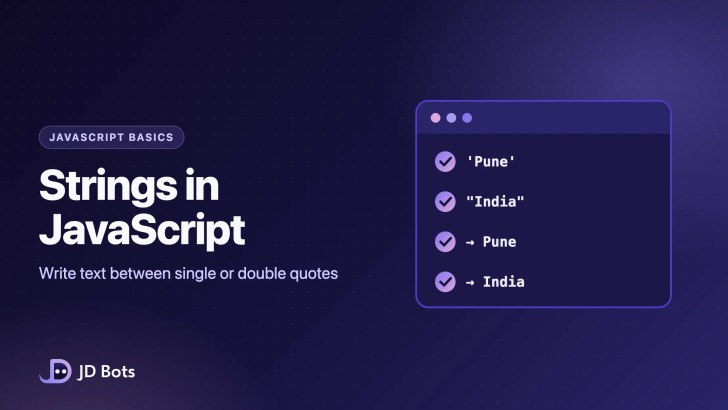
A string is a piece of text. In JavaScript, you write it between single quotes or double quotes, and both give the same text.
Every command and output on this page is real, run with Node.js 26.13.1 on macOS.
Syntax
Syntax
'text'
"text"
'text': a string between single quotes."text": the same string between double quotes.- A string ends with the same kind of quote it starts with.
See String on MDN.
Prerequisites
- Node.js, to run the example. Install it from the Node.js download page.
The Example
Two strings, one in each kind of quote, in a file named strings.js.
Step 1: Write the Code
strings.js
const city = 'Pune';
const country = "India";

console.log(city);
console.log(country);
Step 2: Run It
Terminal
node strings.js
Output
Pune
India
The quotes aren’t part of the text: both strings print without them.
Common Mistakes
| Mistake | What happens | Do this instead |
|---|---|---|
Opening with one kind of quote and closing with the other: 'Pune" | The program doesn’t start: SyntaxError: Invalid or unexpected token | Close the string with the quote you opened it with |
FAQ
Should I use single or double quotes?
Either gives the same string. Pick one and use it throughout a file.
Conclusion
Put text between matching quotes, single or double, and it’s a string.
Additional Resources
- String (MDN)
- Grammar and types (MDN)
- Run Node.js scripts from the command line (Node.js docs)
JavaScript is a trademark of Oracle Corporation in the United States. Node.js is a trademark of the OpenJS Foundation.