

In this post, we will Delete a folder or directory if it exists using the UiPath Studio. This will be useful to avoid any exception when you try to delete a folder if it does not exists.
Prerequisites
Create the Process
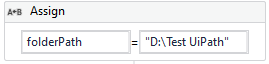
Add an Assign activity and name the variable folderPath of type String. Assign this variable with value of your folder path.
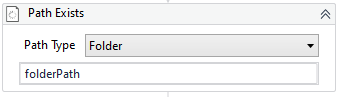
Add a new activity Path Exists. Choose the Path Type as Folder. Give the folderPath you assigned in previous activity.
In the properties panel of Path Exists. Create a new variable folderExists of type Boolean and place it in Output -> Exists. The Path Exists activity returns a boolean response based on the folder existence.

Add an If condition to check if folder exists. If it exists, Delete the folder using Delete activity by passing the folderPath. If it does not exists, print on the console.

The complete sequence looks as below.

Output : Positive Use case
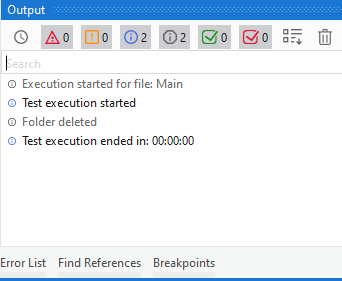
Output : Negative Use case


![[Fixed] This environment can't be created | Power Platform New Environment](https://i0.wp.com/jd-bots.com/wp-content/uploads/2021/02/14.png?fit=340%2C176&ssl=1&resize=40%2C40)


Leave a Reply